📰 Newspapers

This helpful Apple Watch feature works seamlessly with Apple CarPlay

This helpful Apple Watch feature works seamlessly with Apple CarPlay

Long drives call for every trick you can get. See how your Apple Watch and CarPlay team up to keep you on course and a little more alert behind the wheel.

Some drivers swear by this Apple Watch feature, and it's probably already switched on.

If you're deep into the Apple ecosystem, the choice between Apple Maps and Google Maps isn't as clear-cut as it used to be. The first was initially a disaster, even threatening the lives of Australian drivers due to inaccuracies. Since then, however, Apple has totally overhauled the app, and these days there's often little to no practical difference — speaking as someone who recently drove cross-country to move to a new city.

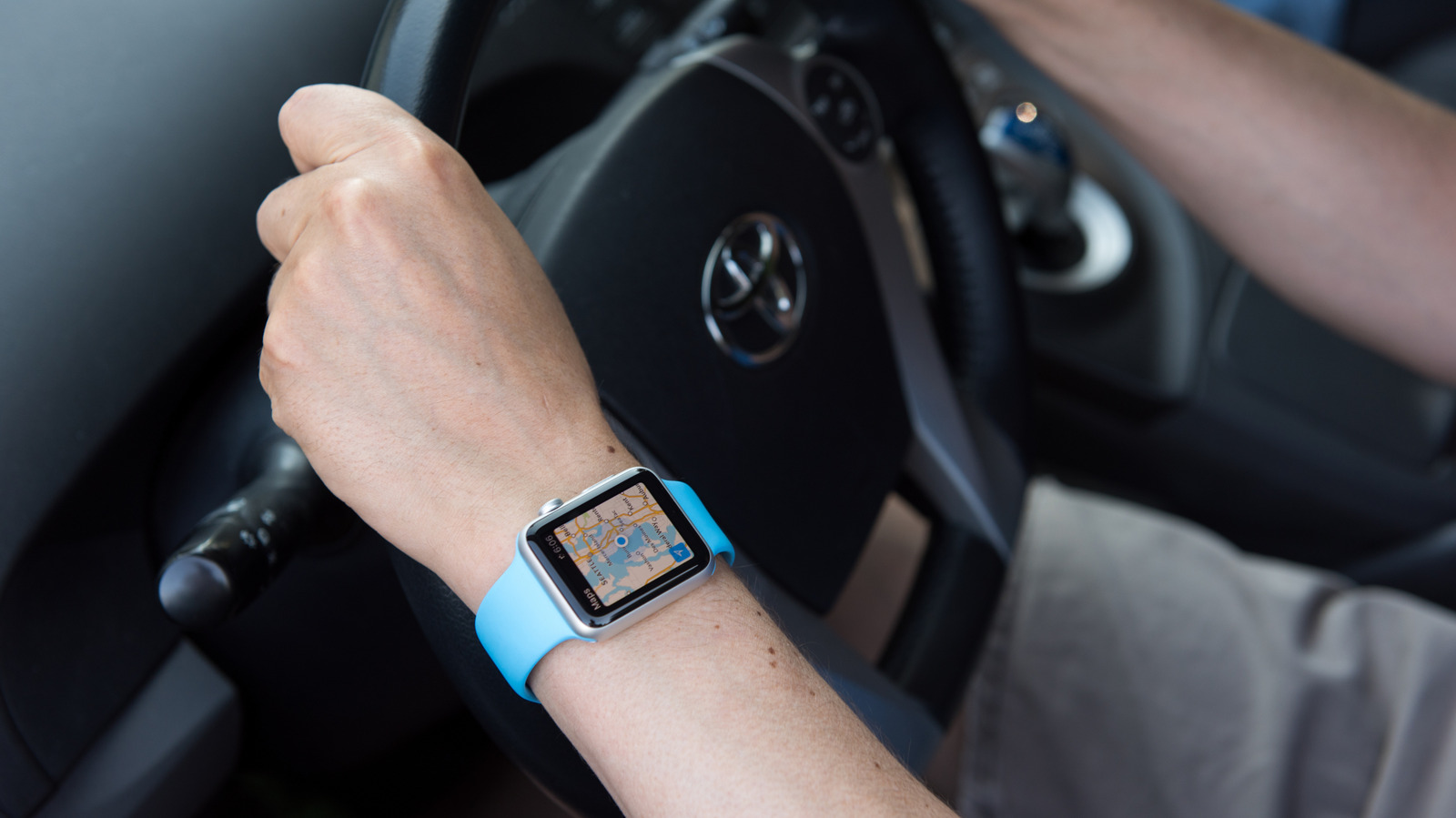
I did prefer Apple Maps for that drive for one big reason: my Apple Watch. I knew that I'd be driving for hours at a time, and it was essential to exploit anything and everything to stay alert. Linked with CarPlay, the Apple Watch offers a distinct advantage in the form of haptic feedback.

Most likely this option will already be on once you've configured your watch. But you can double-check this on your iPhone and turn off the feature if it becomes more of an annoyance than a benefit.

With haptic feedback active, your Apple Watch taps your wrist whenever a turn is imminent. These vibrations coincide with CarPlay's audio and visual alerts, so it's always clear what you're supposed to do.

In brief

Some drivers swear by this Apple Watch feature, and it's probably already switched on. I did prefer Apple Maps for that drive for one big reason: my Apple Watch. Linked with CarPlay, the Apple Watch offers a distinct advantage in the form of haptic feedback. With haptic feedback active, your Apple Watch taps your wrist whenever a turn is imminent.

This is the opening of the story, shared with credit to Engadget. The rest of the report — with every detail — continues on the publisher’s website.

Continue reading at Engadget ↗

Cookie settings

Choose which cookies we may use. You can change this at any time from Cookie settings in the footer. Details of each cookie are in the Cookie Policy.

Strictly necessary

Needed for sign-in, security, payments and remembering these choices. Always on.

Preferences

Remember settings such as dark mode.

Analytics & performance

Help us count visits, understand which pages, devices and countries our readers use, and measure how well the site performs – anonymous and aggregated.

Advertising & marketing

Lets advertising partners show and personalise adverts, measure impressions, clicks and visits, prevent ad fraud and pay us – this is how the free site is funded.

🔔 News notifications

Get headlines from NewsHub on this device — even when the site is closed.

You can switch this off at any time. Works on Android, Windows, Mac and Linux browsers; on iPhone/iPad add the site to your Home Screen first.