📰 Newspapers

Change this Roku TV setting to watch movies how they were filmed

Change this Roku TV setting to watch movies how they were filmed

Your TV's refresh rate might be set to 60fps by default, but you can change that.

You don't have to leave your TV's refresh rate at 60fps.

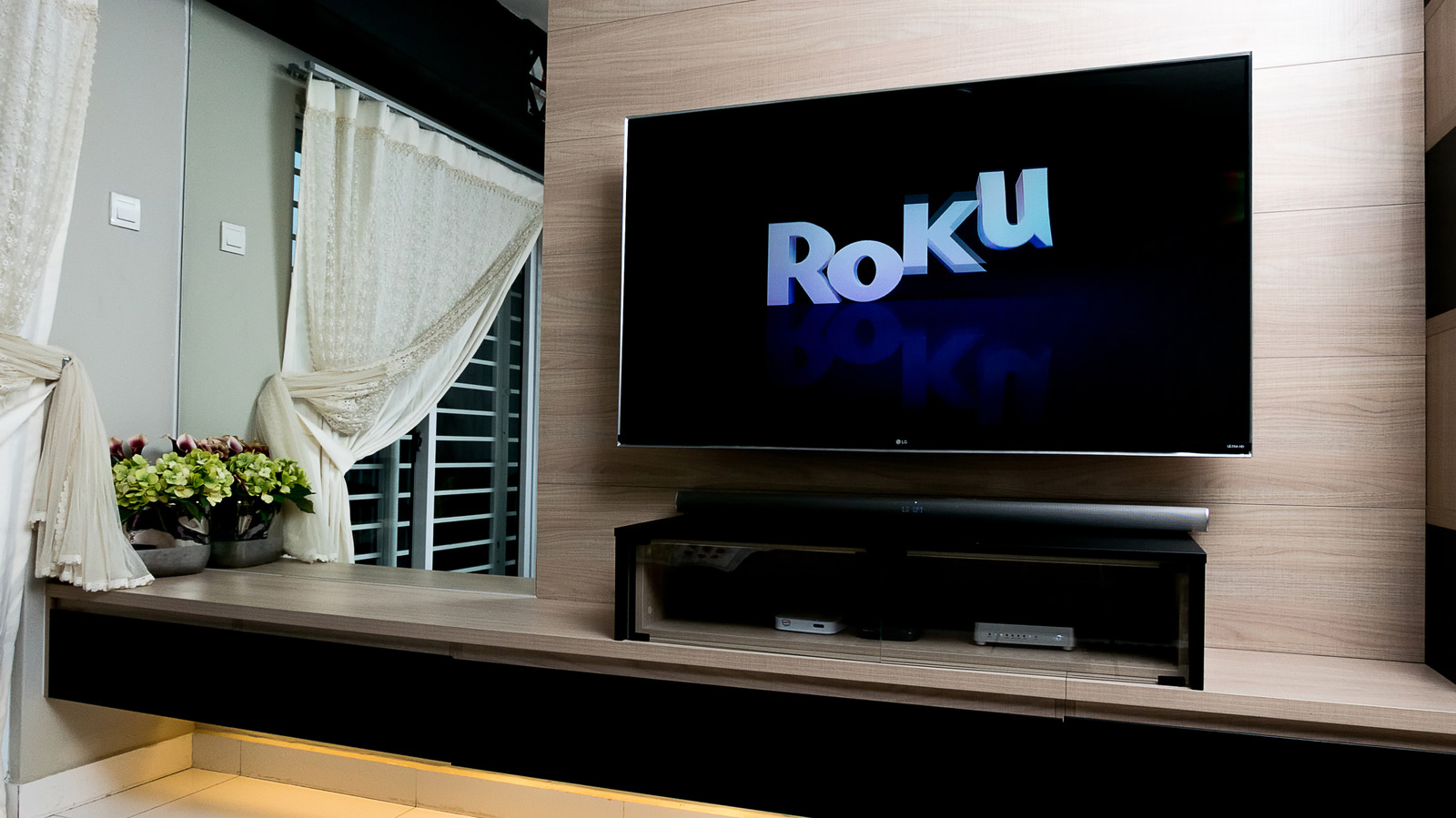
If you were to travel back in time thirty years and show someone a smart TV from today, their head would likely explode. In addition to the seemingly limitless amount of content one can find and interact with on a modern television, your Roku TV also may have the ability to let you watch movies in a far more compelling way.

Buried deep in your Roku TV's settings is a way to alter the refresh rate, and there's a very specific reason that you might want to do that. Most Roku TVs default to a refresh rate of 60fps. While that's going to be perfectly fine for some situations, it doesn't make for the most theatrical viewing experience — for the most part, movies are filmed and projected at 24fps. It's the standard, and it has defined the way movies look and feel for decades. When you go to the movie theater, you're watching a 24fps output.

Roku allows you to alter your TV's refresh rate to match that, offering something a bit closer to the original intent of those films.

There are a lot of ways to change the overall look and display of your Roku TV, but most of that discourse seems centered around colors and contrast.…
In brief

You don't have to leave your TV's refresh rate at 60fps. Buried deep in your Roku TV's settings is a way to alter the refresh rate, and there's a very specific reason that you might want to do that. Most Roku TVs default to a refresh rate of 60fps. Roku allows you to alter your TV's refresh rate to match that, offering something a bit closer to the original intent of those films.

This is the opening of the story, shared with credit to Engadget. The rest of the report — with every detail — continues on the publisher’s website.

Continue reading at Engadget ↗

Cookie settings

Choose which cookies we may use. You can change this at any time from Cookie settings in the footer. Details of each cookie are in the Cookie Policy.

Strictly necessary

Needed for sign-in, security, payments and remembering these choices. Always on.

Preferences

Remember settings such as dark mode.

Analytics & performance

Help us count visits, understand which pages, devices and countries our readers use, and measure how well the site performs – anonymous and aggregated.

Advertising & marketing

Lets advertising partners show and personalise adverts, measure impressions, clicks and visits, prevent ad fraud and pay us – this is how the free site is funded.

🔔 News notifications

Get headlines from NewsHub on this device — even when the site is closed.

You can switch this off at any time. Works on Android, Windows, Mac and Linux browsers; on iPhone/iPad add the site to your Home Screen first.