📰 Newspapers

Why updating your iPhone can improve your CarPlay experience

Why updating your iPhone can improve your CarPlay experience

Wondering how to update CarPlay? The answer isn't on your car's screen. Here's where to look and what new features you could be missing out on.

Skipping iPhone updates can cost you new CarPlay features. Here's what you could be missing.

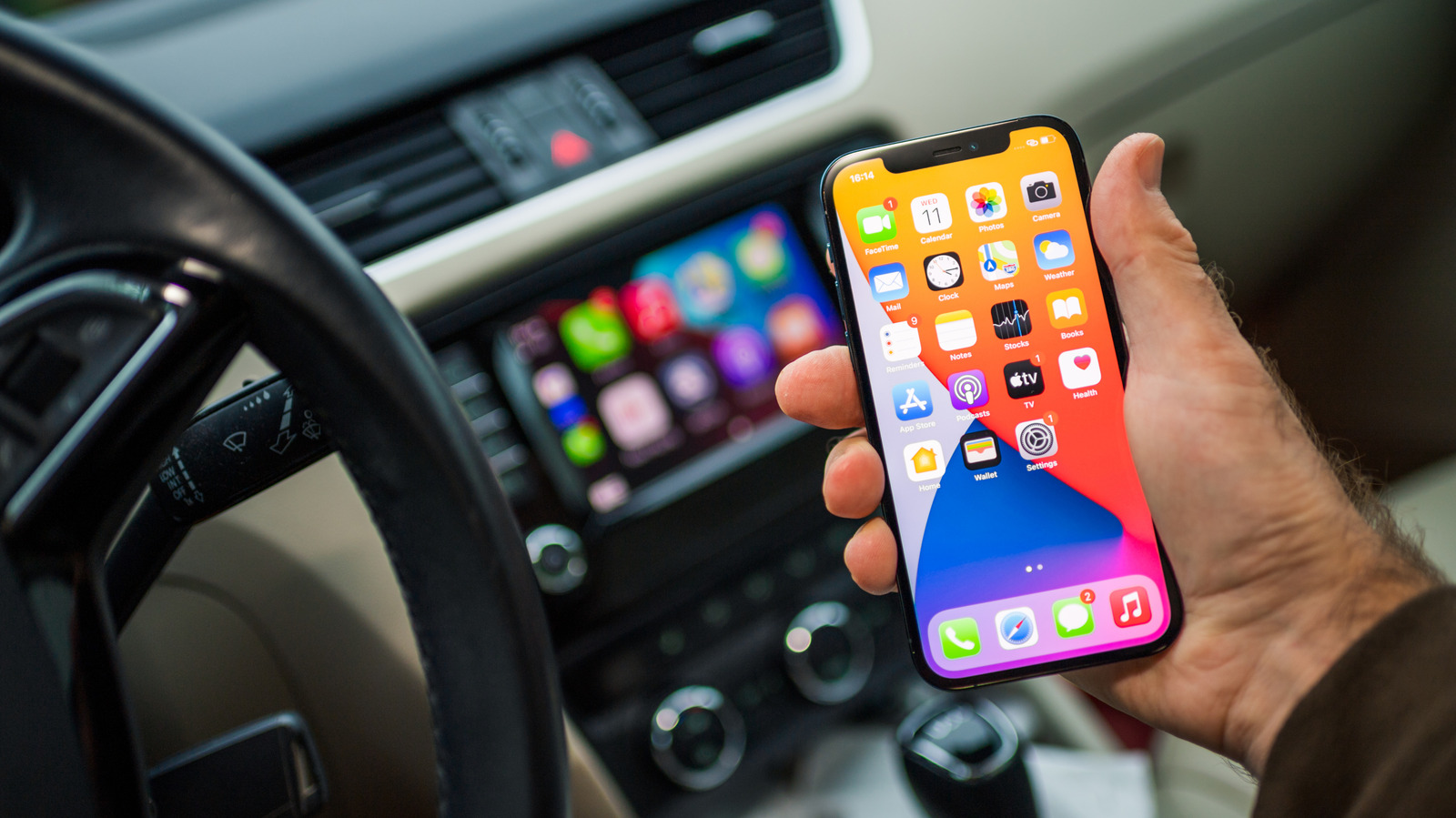
CarPlay is a great way to get all of your music, contacts and addresses on your car's infotainment system. But CarPlay isn't an app installed on your car. It runs straight from your iPhone, so the car usually doesn't have an "update CarPlay" option of its own. To update CarPlay, you need to update iOS.

CarPlay keeps working even if you don't update your phone, but you'll miss out on the new features, bug fixes and compatibility improvements. iOS 27, released September 14, added an audio mini-player, plus route sharing and video apps on supported cars. Apple says it also improves wireless CarPlay reliability and GPS accuracy. Here's how updating your iPhone can improve your CarPlay experience.

To update your iPhone, go to Settings > General > Software Update and check your iOS version. If a newer one is available, it will be waiting for you there. The latest version at the time of writing is iOS 27.2.1 (November 9). Phones still on iOS 26 will see a small iOS 26 update and the larger iOS 27 upgrade as separate options.

iOS 27 (September 14) added several new CarPlay features, including an audio mini-player, a progress bar in Now Playing, route sharing with the car's…

In brief

Skipping iPhone updates can cost you new CarPlay features. To update CarPlay, you need to update iOS. Here's how updating your iPhone can improve your CarPlay experience. To update your iPhone, go to Settings > General > Software Update and check your iOS version.

This is the opening of the story, shared with credit to Engadget. The rest of the report — with every detail — continues on the publisher’s website.

Continue reading at Engadget ↗

Cookie settings

Choose which cookies we may use. You can change this at any time from Cookie settings in the footer. Details of each cookie are in the Cookie Policy.

Strictly necessary

Needed for sign-in, security, payments and remembering these choices. Always on.

Preferences

Remember settings such as dark mode.

Analytics & performance

Help us count visits, understand which pages, devices and countries our readers use, and measure how well the site performs – anonymous and aggregated.

Advertising & marketing

Lets advertising partners show and personalise adverts, measure impressions, clicks and visits, prevent ad fraud and pay us – this is how the free site is funded.

🔔 News notifications

Get headlines from NewsHub on this device — even when the site is closed.

You can switch this off at any time. Works on Android, Windows, Mac and Linux browsers; on iPhone/iPad add the site to your Home Screen first.