📰 Newspapers

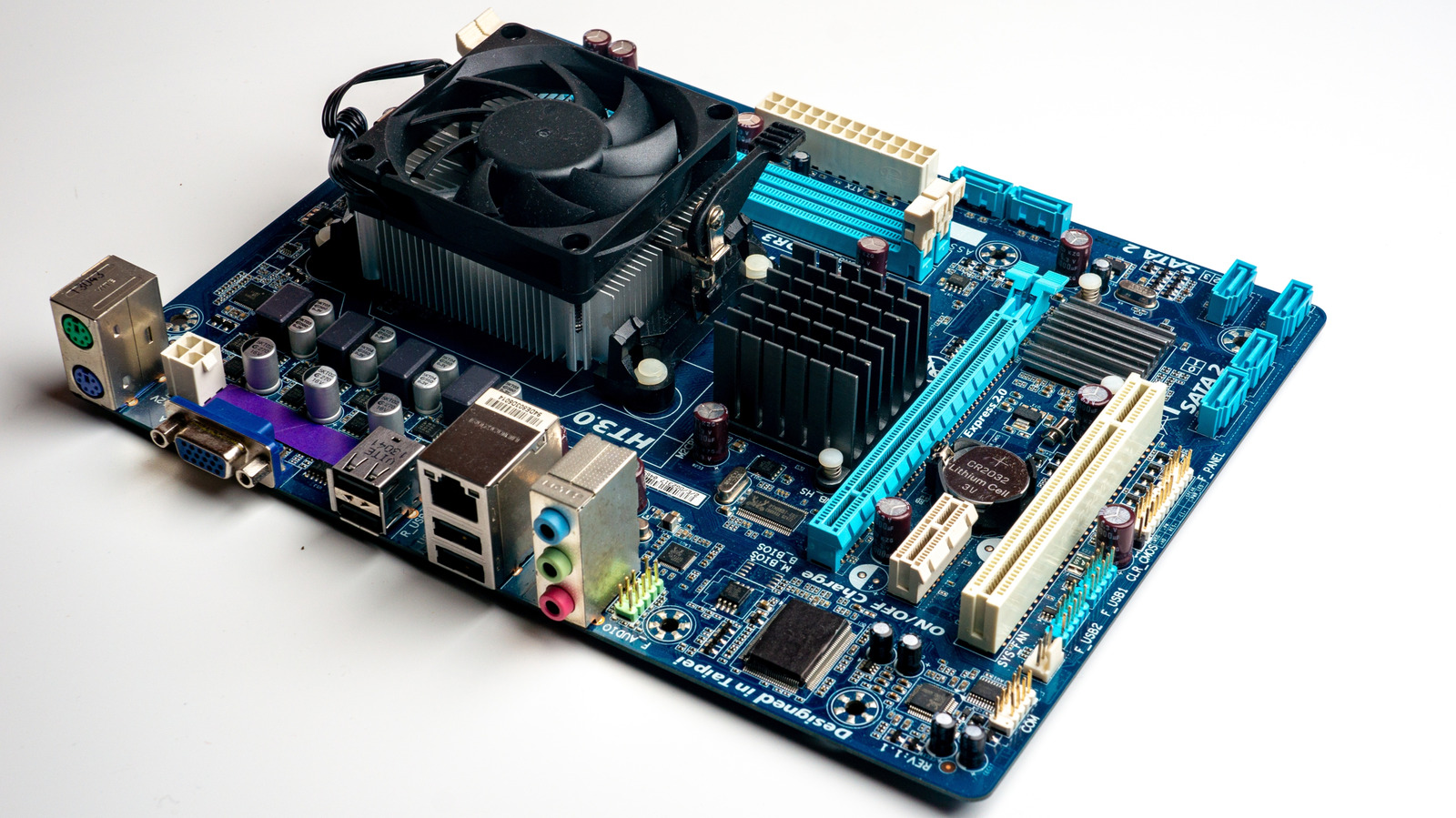
Should you repair or replace your PC's motherboard?

Should you repair or replace your PC's motherboard?

Fixing is likely cheaper, but replacing a board can sometimes come down to an upgrade that may be beneficial to you in the long run.

Hints to the declining health of your motherboard aren't subtle.

As the price of new PC components continues to rise, with seemingly no signs of relief in the immediate future, the prospect of replacing a part in your computer might be intimidating. If anything in your computer fails, the price of that potential part is likely going to be somewhat steep. When it comes to your motherboard, however, there's some leeway on when that may need to actually be replaced.

If you're lucky, you may be able to just outright repair a motherboard instead of buying a new one. In terms of PC parts, your motherboard ranks fairly high on the list of important items, so being able to repair a potentially failing board versus buying one certainly has distinct advantages.

Thankfully, hints to the declining health of your motherboard aren't subtle. The board sends out alarm bells about its current status rather frequently, and they're quite easy to identify once you understand what they are. Once you know these signs, and which ones point to a simple repair versus outright disaster, you'll be able to fully diagnose your next steps.

A standard motherboard of decent quality can last up to a rather generous ten years.
In brief

Hints to the declining health of your motherboard aren't subtle. When it comes to your motherboard, however, there's some leeway on when that may need to actually be replaced. In terms of PC parts, your motherboard ranks fairly high on the list of important items, so being able to repair a potentially failing board versus buying one certainly has distinct advantages. Thankfully, hints to the declining health of your motherboard aren't subtle.

This is the opening of the story, shared with credit to Engadget. The rest of the report — with every detail — continues on the publisher’s website.

Continue reading at Engadget ↗

Cookie settings

Choose which cookies we may use. You can change this at any time from Cookie settings in the footer. Details of each cookie are in the Cookie Policy.

Strictly necessary

Needed for sign-in, security, payments and remembering these choices. Always on.

Preferences

Remember settings such as dark mode.

Analytics & performance

Help us count visits, understand which pages, devices and countries our readers use, and measure how well the site performs – anonymous and aggregated.

Advertising & marketing

Lets advertising partners show and personalise adverts, measure impressions, clicks and visits, prevent ad fraud and pay us – this is how the free site is funded.

🔔 News notifications

Get headlines from NewsHub on this device — even when the site is closed.

You can switch this off at any time. Works on Android, Windows, Mac and Linux browsers; on iPhone/iPad add the site to your Home Screen first.