📰 Newspapers

What is Sound Glow on HomePods, and how do you get it on your Apple speaker?

What is Sound Glow on HomePods, and how do you get it on your Apple speaker?

Apple's latest HomePod update makes the top of your speaker glow in sync with music.

Apple’s latest HomePod update makes the top of your speaker glow in sync with music.

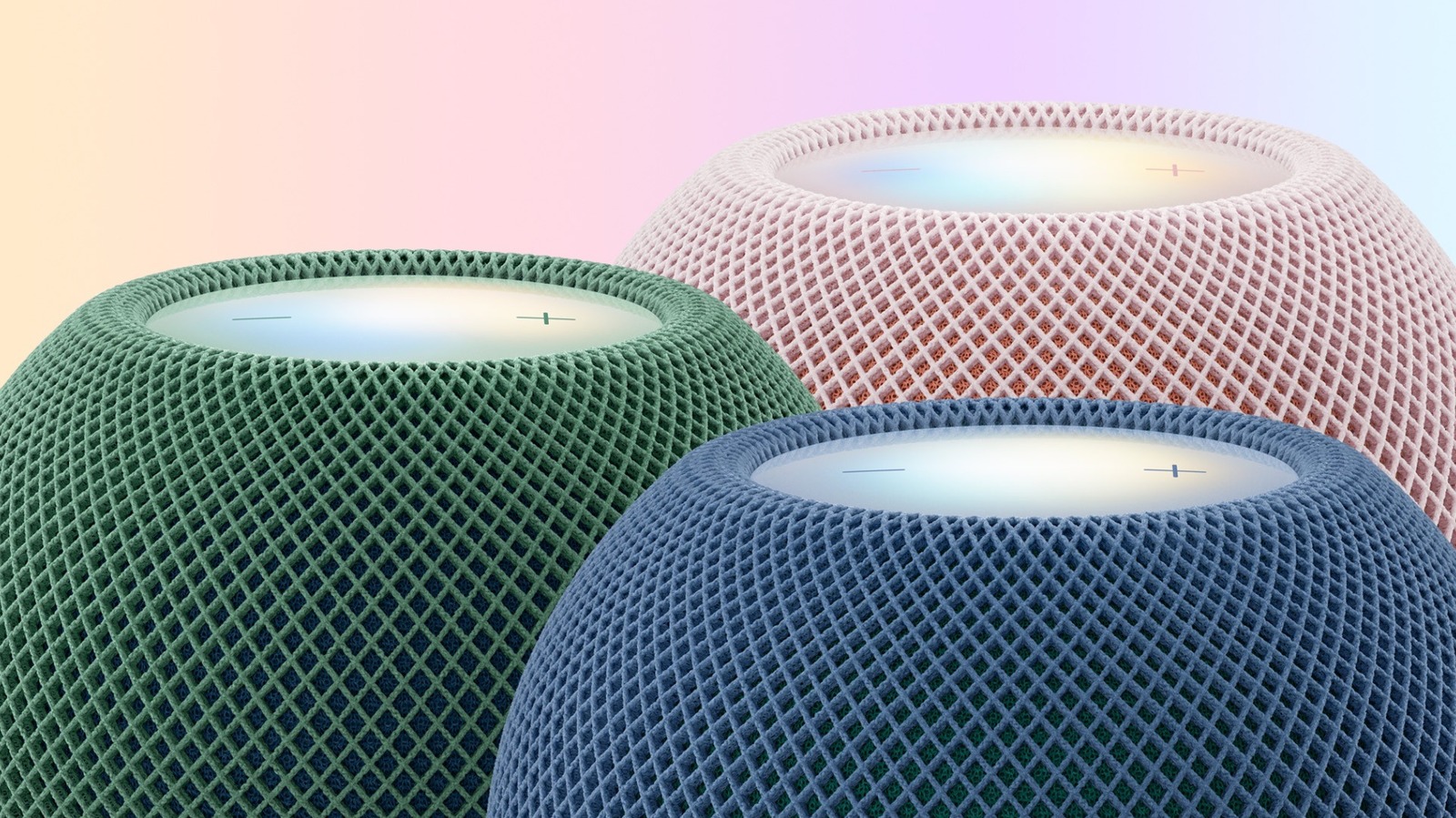
Apple's HomePod has a basic set of lights on top that don't do much beyond glowing when Siri is listening or when something is playing. But following the launch of the HomePod mini 2, Apple also introduced a new feature called Sound Glow that makes better use of these lights. When turned on, the top of the speaker becomes a colorful light show synced to the song you're listening to — and the good news is that it's not exclusive to the latest HomePod mini. The feature is part of HomePod Software 27.2 and also works with the original HomePod mini and the HomePod 2 (the larger model). Here's a breakdown of how Sound Glow works and how you can enable (or disable) it on your HomePods.

HomePods don't have a traditional display like Apple's HomeView. Instead, Apple has included an array of LEDs on top along with a touch-sensitive surface that lets users access quick controls such as volume and play/pause. With the latest HomePod software update, these LEDs are now used to make HomePods a little more fun with Sound Glow.


In brief

Apple’s latest HomePod update makes the top of your speaker glow in sync with music. But following the launch of the HomePod mini 2, Apple also introduced a new feature called Sound Glow that makes better use of these lights. With the latest HomePod software update, these LEDs are now used to make HomePods a little more fun with Sound Glow.

This is the opening of the story, shared with credit to Engadget. The rest of the report — with every detail — continues on the publisher’s website.

Continue reading at Engadget ↗

Cookie settings

Choose which cookies we may use. You can change this at any time from Cookie settings in the footer. Details of each cookie are in the Cookie Policy.

Strictly necessary

Needed for sign-in, security, payments and remembering these choices. Always on.

Preferences

Remember settings such as dark mode.

Analytics & performance

Help us count visits, understand which pages, devices and countries our readers use, and measure how well the site performs – anonymous and aggregated.

Advertising & marketing

Lets advertising partners show and personalise adverts, measure impressions, clicks and visits, prevent ad fraud and pay us – this is how the free site is funded.

🔔 News notifications

Get headlines from NewsHub on this device — even when the site is closed.

You can switch this off at any time. Works on Android, Windows, Mac and Linux browsers; on iPhone/iPad add the site to your Home Screen first.